
Key Takeaways
Table of Contents
Introduction
When you've done a migration estimate that makes it look like all 3 providers are the same, you might find out that you have a key application using a feature in SQL Server, your most active users are in another region, or you just can't afford too much downtime. These factors can have a bigger impact on your choice than the cost of VM's.
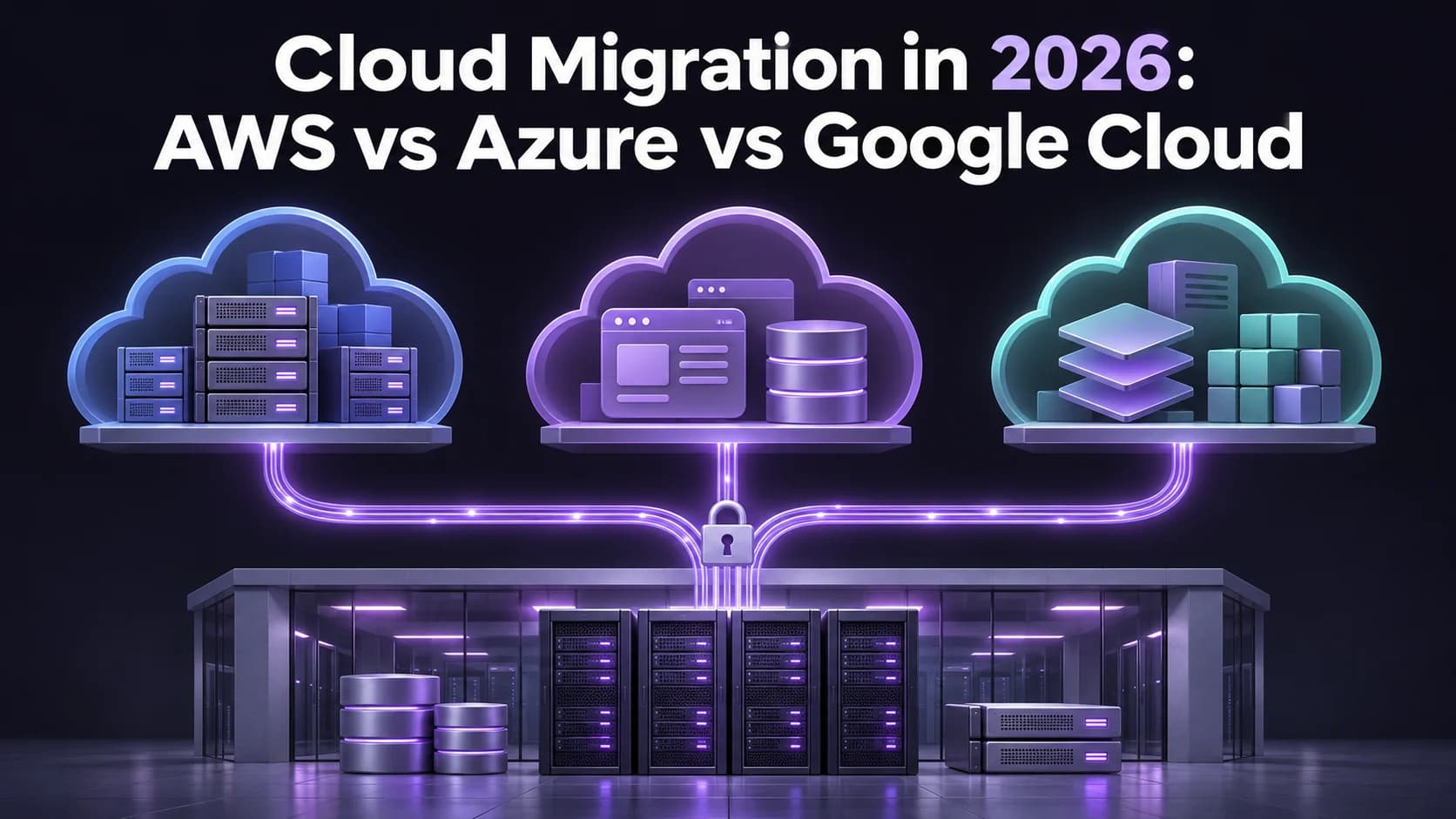
When looking at migrating to the cloud in 2026, compare how AWS, Azure and Google Cloud actually perform the workloads you will be running. This should start with looking at your most challenging dependencies.
Quick Answer
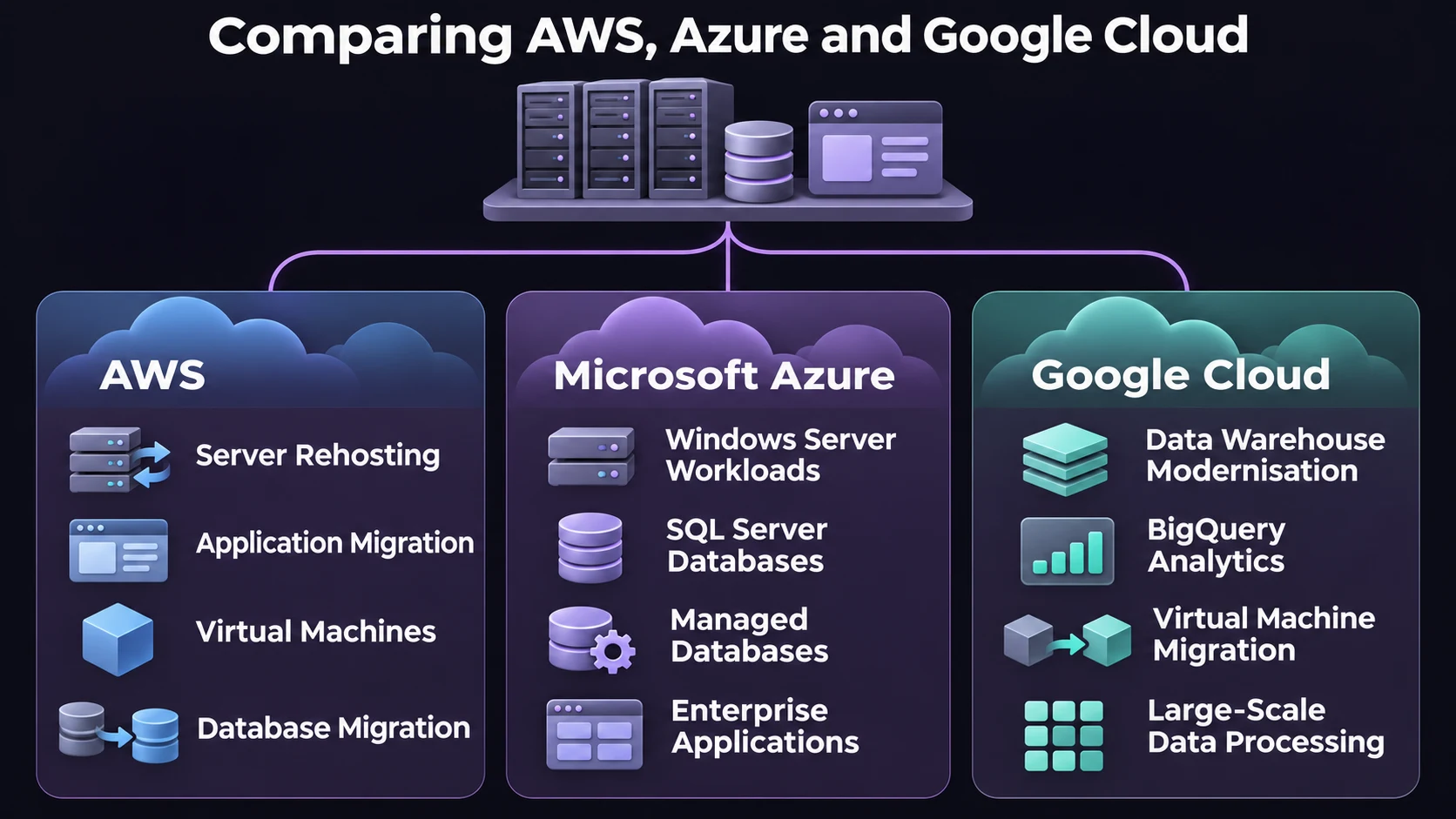
Narrow your search down to AWS if you need rehosting capabilities, Azure if you need to consider Windows Server and SQL Server licensing, and Google Cloud if the aim is to move your data warehouse to BigQuery. Run the workload across your chosen options and ensure they are compatible with your needs, and will cause little to no downtime, recovery time and overall cost to operate.
How Do AWS, Azure, and Google Cloud Compare?
All three would be able to support server and database migrations. The difference between them is how they get from your source system to the destination system. You can rehost your application with little change, or you can replatform and make some changes to your environment like changing your self managed database to a managed one.
| Provider | When to shortlist it | Tools to evaluate | What to verify first |
|---|---|---|---|
| AWS | You want to move existing servers first and modernize selected applications later. | AWS Transform MGN for server rehosting; AWS Database Migration Service for supported database moves. | Source operating system support, target sizing, and whether the application works in a test launch. |
| Microsoft Azure | Your estate relies on Windows Server or SQL Server, and Microsoft licensing could affect the business case. | Azure Migrate for assessment; evaluate Azure SQL Database, Managed Instance, or SQL Server on Azure VMs as targets. | SQL feature compatibility and eligibility for Azure Hybrid Benefit. |
| Google Cloud | The move includes a data warehouse modernization, particularly if BigQuery is the intended destination. | Migration Center for discovery and assessment; Migrate to Virtual Machines for servers; BigQuery Migration Service for warehouse workloads. | Whether translated queries produce the same results and what representative reporting jobs cost. |
When comparing cloud hosting, check service availability in the intended region before requesting quotes. A provider can support the right service globally without offering the configuration, capacity, or recovery region you need.
What Could Change the Decision After the First Assessment?
Test your application with AWS. While the instance may boot up in the cloud, it may fail to connect to Identity services, file shares or databases on premises. Try running a real business transaction to see if you can migrate your application or if you have to migrate any dependencies.
Pricing your compatible solution with Azure. A managed database will not help if you cannot deploy your application to it. Consider features such as SQL Server Agent Jobs to decide between Azure SQL Database, Managed Instance or SQL Server on Azure VM. Consider licence costs with and without Azure Hybrid Benefit.
Check what data has been translated with Google Cloud. A query may run in BigQuery but give a different total due to differences in how dates/nils/rounding are handled. Get your data engineering team to match reports which are critical to your business against the source data before decommissioning your old warehouse.
How Do You Compare Cloud Migration Costs Fairly?
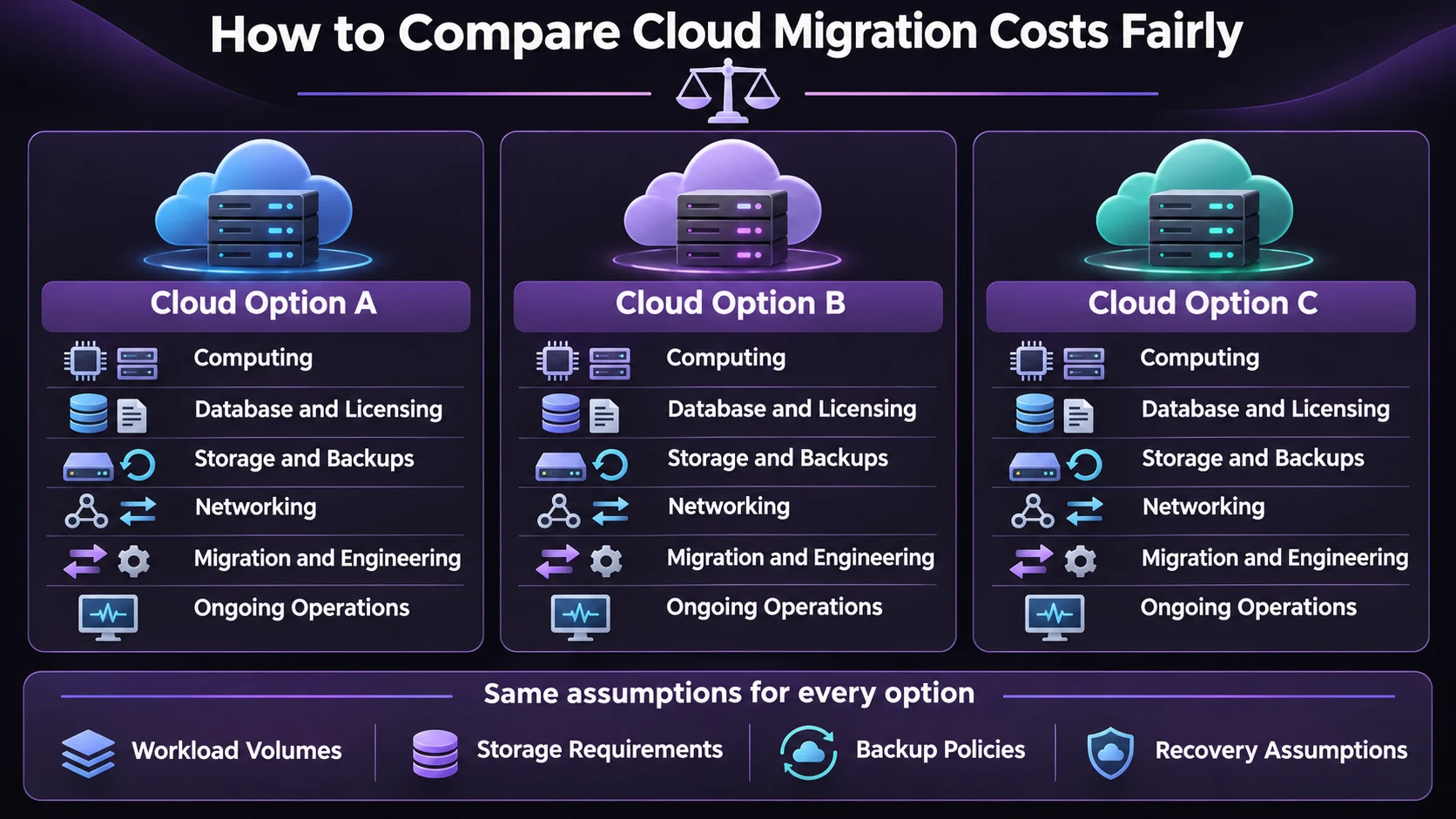
Ensure all providers are using the same assumptions to get a like for like comparison. For example workload volumes, storage increases, backup retention periods, egress costs and recovery needs. Don’t compare a single region solution to a multi region solution.
Break down the migration costs (any engineering, testing, clone environments and source transfer costs). Then compare the recurring costs (computing, database licensing, backups, logging, support, network costs). Consider any discounts that might be available if you commit to something. Compare scenarios without any discounts. If you have a workload that will utilise enough of a commitment it can help.
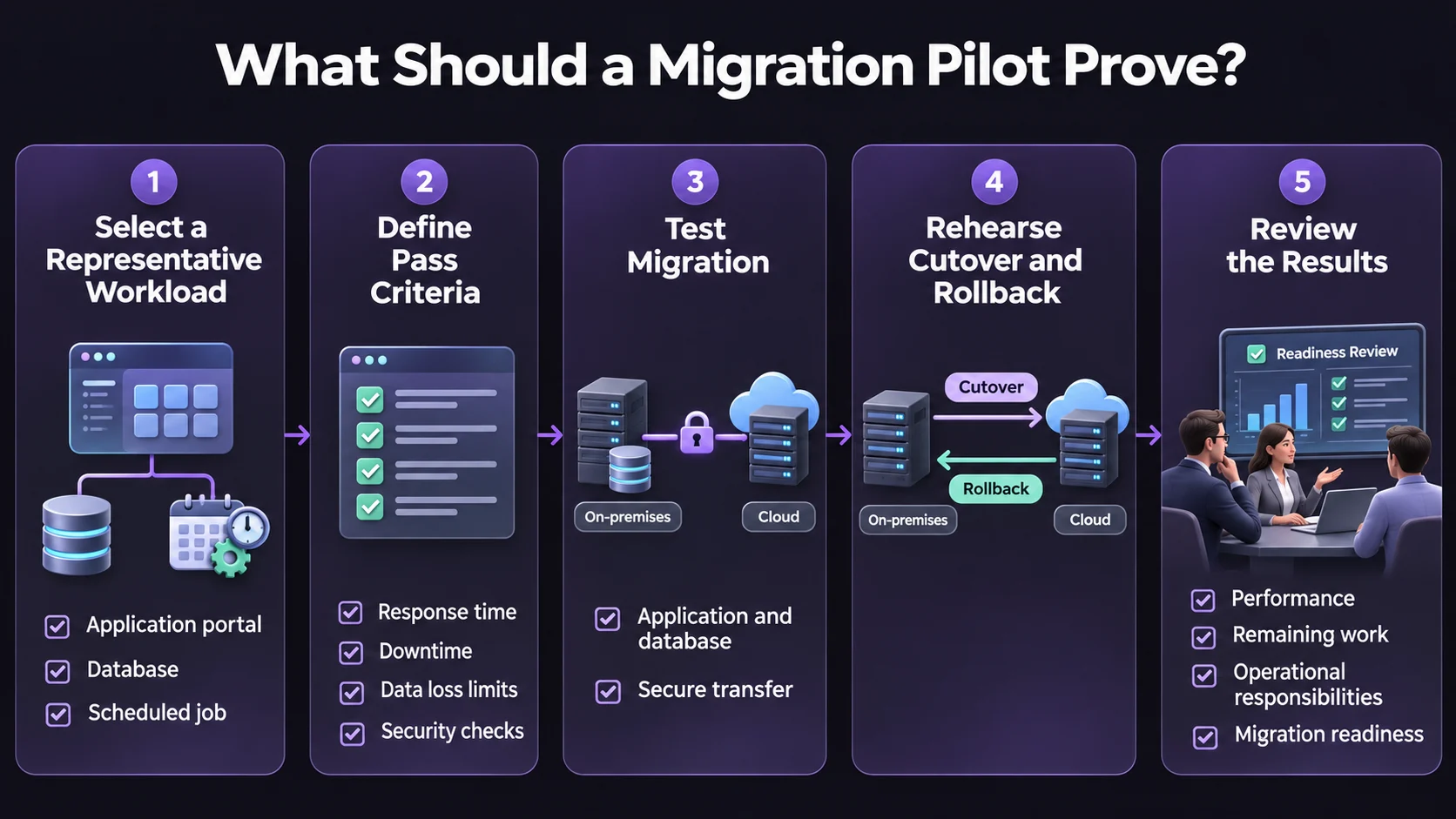
What Should a Migration Pilot Prove?
Consider a distributor wanting to migrate their order portal using SQL Server and migrate their reporting warehouse. The portal may start on Azure as the first platform to try. However, if they want to migrate to BigQuery then the warehouse should be tested separately on Google Cloud. If it is important to move the application servers as they are then AWS could be considered. This will show whether the migration is required.
- Pick a representative workload. Include a database dependency, a scheduled job, and a transaction that users actually perform.
- Agree on pass criteria before testing. Set acceptable response times, downtime, and data loss limits. Run security assessments on the target environment before opening it to production traffic.
- Rehearse cutover and rollback. Practice switching users to the target. If it accepts new writes, decide how those records would be reconciled before switching back.
- Review the results together. Ask operations, finance, and the application owner to compare actual pilot usage, remaining work, and who will maintain the system after launch.
Final Thoughts
Ensure you have the most suitable cloud for your migration. Your most challenging task should be achievable with your downtime, recovery and budget constraints. Run a pilot for your 2 top providers with the same information and determine which tasks can be moved first, which will need to be redesigned and which will remain.
For more on cloud infrastructure and enterprise technology, follow technology updates on LinkedIn.
Frequently Asked Questions
Which is cheaper to move to? AWS, Azure, Google Cloud?
It depends on the workload and region and that you are comparing the same things between each provider, such as licensing assumptions and recovery requirements.
Should I always use Azure for my SQL Server?
Not necessarily. Azure can be a good option to consider however it will depend on the features available, licensing and whether you want a managed database or VM.
Can we do a zero downtime migration?
Depending on the workload you can do some form of replication, however there will likely still be a small amount of downtime during the switchover. We would recommend practicing your cutover.
Should I modernise and migrate?
Only if you can see the benefits of doing so. If the migration deadline is tight then it can be better to migrate first and then modernise so you can easily identify any failures.
Should I move to multiple clouds as my business grows?
Only if you have a clear reason to do so, such as a specific workload or business requirement. Having multiple clouds means you have more to manage such as networking, identities, monitoring and support.
When can we turn off the legacy environment?
Once the new environment has passed acceptance testing, backups have been successfully restored in a test and the agreed rollback period has expired. Ensure you know what retention requirements are.